Q & A
What should I do if I don’t want to bring my keys when I go surfing?
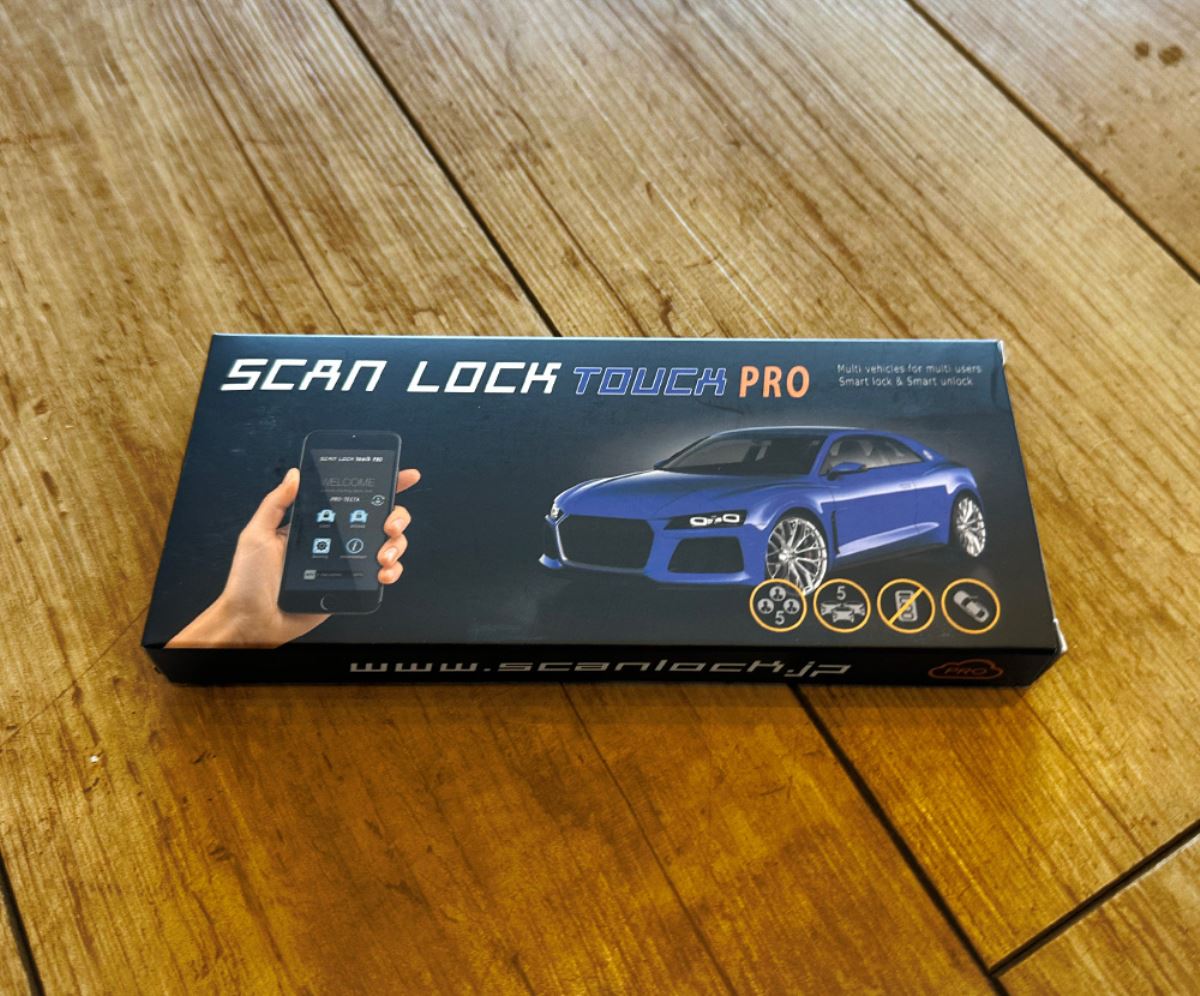
When you don’t want to wear a smart key—such as when surfing or entering the ocean—the operation of combining a radio-signal-blocking pouch with the SCANLOCK TOUCH PRO is a practical approach.
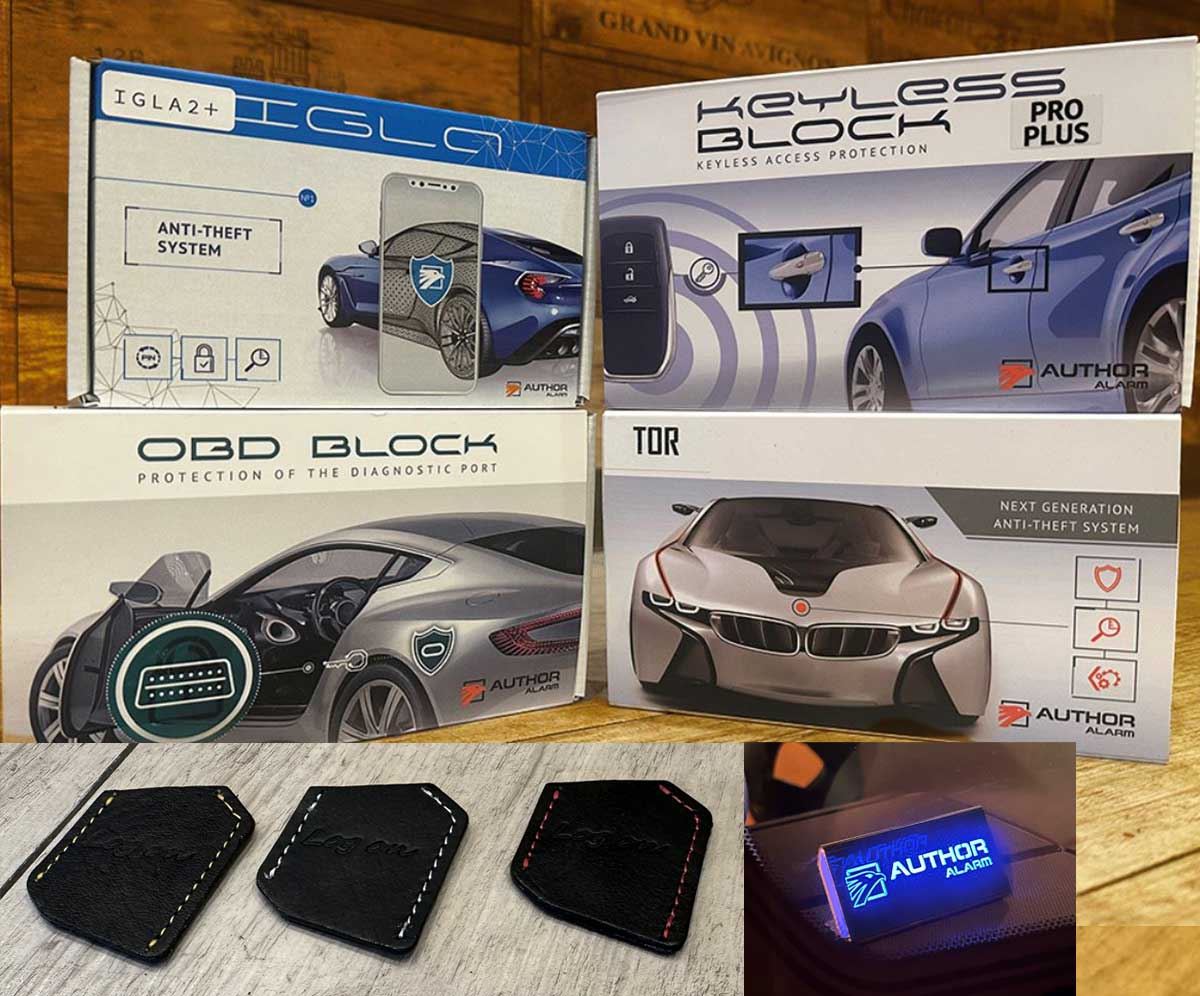
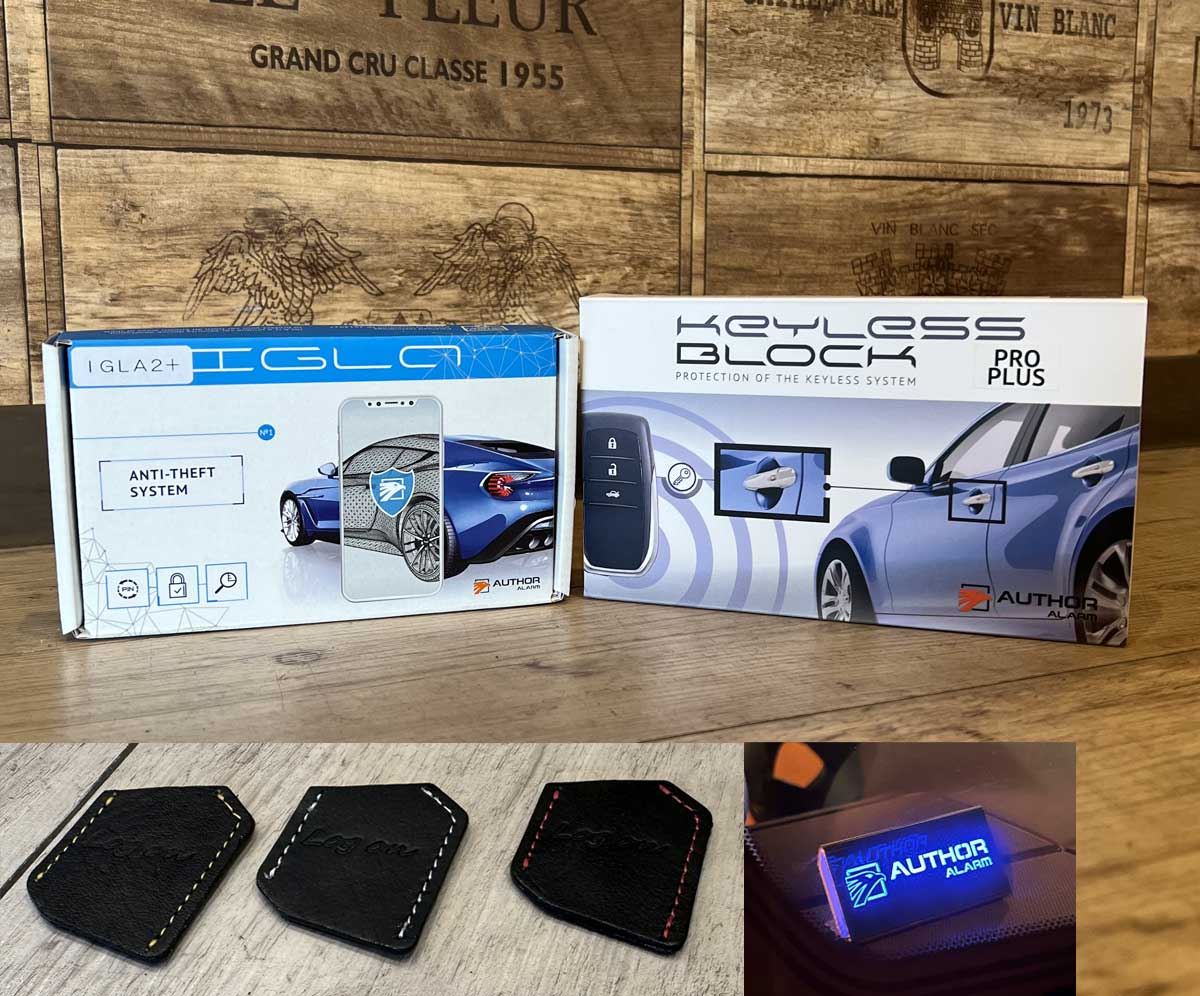
In this setup, you place the smart key and the IGLA tag into the radio-signal-blocking pouch inside the vehicle, then lock/unlock from outside using the SCANLOCK TOUCH PRO. After getting in, you perform the proper authentication on the IGLA side and then start the engine.
Because the IGLA side’s protection against unauthorized starting works independently of the door-locked state, the portion that prevents engine starting will be effective.
However, when leaving the smart key or tag inside the car, the level of security changes depending on the radio-signal-blocking condition and the storage method. Also, if you lock using the SCANLOCK TOUCH PRO by itself, there are configurations where it will not interlock through to the IGLA ALARM side’s warnings such as door monitoring, shock, and tilt.
If you want to use it properly for surfing, it’s reassuring to consider not only the equipment, but also how you will lock it from the outside and how far you want the IGLA ALARM side’s warning to be interlocked.
Regarding the key operation for surfing, the usage you want is possible.
You can put the smart key and IGLA tag into the radio-signal-blocking pouch inside the vehicle, lock/unlock from outside using the SCANLOCK TOUCH PRO, and then after entering the vehicle,解除 and start via PIN entry on the IGLA.
For the IGLA side, after the engine is stopped and a certain amount of time passes, the security that prevents unauthorized starting automatically begins.
Therefore, regardless of the door-lock state, the portion that prevents engine starting remains effective.
However, for the IGLA ALARM side’s door monitoring, shock, tilt, and motion warnings, the basic idea is that it enters the warning state when you lock the door with the OEM keyless system.
Therefore, if you only lock with a standard SCANLOCK TOUCH PRO, the immobilizer side that prevents engine starting will activate, but generally it will not include door monitoring, shock, tilt, or motion warning.
If you want the warning on the IGLA ALARM side to be interlocked even when locking with a physical key or with the SCANLOCK TOUCH PRO, one alternative approach is to add an extra OEM keyless entry and build a dedicated interlock system that operates it on the SCANLOCK TOUCH PRO side.
Because the IGLA ALARM determines warning ON/OFF based on the OEM keyless lock/unlock signals, with this type of configuration you can temporarily operate the OEM keyless only when you operate the SCANLOCK TOUCH PRO, and also interlock the IGLA ALARM side in a way that closely resembles operating the OEM keyless.
On the other hand, the AUTHOR side settings may include an approach that uses the central lock state to switch warning ON/OFF, but with that setting, if someone were to enter the vehicle and press the unlock button inside the cabin, the IGLA ALARM side could also move toward the解除 direction.
For that reason, from a security standpoint, it is not recommended for surfing-type operation like the one discussed here.
By using a dedicated interlock system based on the OEM keyless, even if you incorporate a system that uses the OEM key inside the vehicle, you can avoid constantly emitting radio signals and instead perform only the necessary actions when you operate the SCANLOCK TOUCH PRO.
This makes it easier to balance usability and security.
To summarize the answers to your questions, they are as follows:
・Simultaneous installation of IGLA ALARM + SCANLOCK TOUCH PRO + LED scanner is possible.
・When locking with SCANLOCK TOUCH PRO, in a normal connection the engine-start prevention side becomes effective, but generally it does not extend to door monitoring, shock, tilt, or motion warning.
・If you want SCANLOCK TOUCH PRO to interlock through to the IGLA ALARM side warnings, there is a way to build a dedicated interlock system using the OEM keyless.
・Using the central lock state for warning ON/OFF is a possible concept, but considering security, it is not recommended for the operation you described.
・We can also guide you on a setup where, when you unlock with SCANLOCK TOUCH PRO and open the door, it does not immediately trigger, and instead you解除 and start using PIN entry—including how to configure the dedicated interlock.
When including the key operation during surfing, what matters is not just installing the product, but also how you lock, how you解除, and how far you want the warning to be triggered.
With the usage you described here, we can prepare an official estimate tailored to that operation and provide it to you.