MAXWIN Car AI BOX DVD CD Drive DA-DVD02
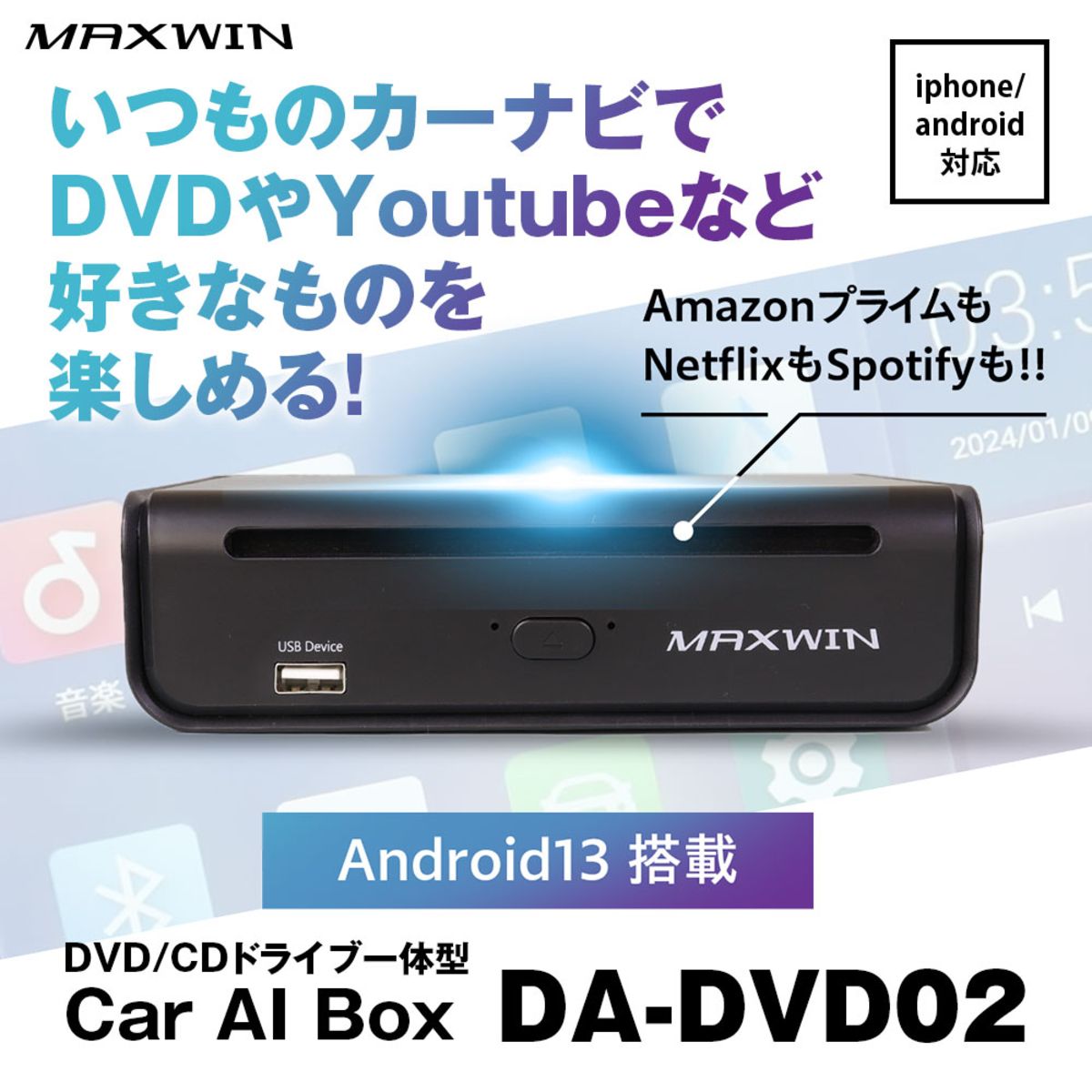
With Android 13, this Car AI Box lets you enjoy everything—from playing DVDs and CDs to streaming video apps—on your usual in-car navigation screen.
【MAXWIN Car AI Box DVD/CD Drive DA-DVD02】
You want to enjoy DVDs and CDs in your car, but recent display audio units no longer include a disc drive. This product is made for exactly those vehicles.
This Car AI Box runs on Android 13 and is designed to be used by connecting to a car navigation system and display audio that supports CarPlay/Android Auto. Since it integrates a DVD/CD drive, you can handle both disc playback and watching video streaming apps with a single device. It covers the gap that streaming services and USB memory alone cannot fill.
Key Features
- Integrated DVD/CD drive lets you play your existing discs as-is
- Supports wireless CarPlay and wireless Android Auto
- Android 13 built-in. You can add apps from the Google Play Store and use video and music streaming services
- Also plays videos and music stored on USB memory
- Supports HDMI output (the separately sold DA-OP2 adapter is required)
- You can use the screen of your factory navigation system as-is, so you can install it without changing the look of your car interior
- Compact design. Can be installed in the glove box, inside the center console, or under a seat
- The cable terminals are L-shaped, so wiring is less likely to get in the way even when mounted vertically
Main Specifications
- Product name: MAXWIN Car AI Box DVD/CD Drive
- Model number: DA-DVD02
- Type: Car AI Box with integrated DVD/CD drive
- Operating system: Android 13
- Supported discs: Commercially sold DVDs and CDs
- Connection: USB-A / USB-C cable (included)
- Supported methods: Wireless CarPlay / Wireless Android Auto
- Optional accessories (sold separately): DA-OP1 auxiliary power cable / DA-OP2 HDMI output adapter
Compatible Vehicles
This product is for vehicles equipped with a car navigation system/display audio that supports CarPlay or Android Auto. Whether it can be installed depends on your vehicle's model year, grade, and factory equipment.
Notes
- Watching video while driving is prohibited by law. Please stop in a safe location before use.
- To use each streaming service, you must also have an account contract and a suitable communication environment.
- HDMI output and auxiliary power require separately sold optional parts.
- Depending on the vehicle and navigation system specifications, operation, display, and how to control it may differ.
- Please consult us in advance regarding compatibility and installation.
About Consultation
How it actually feels to use depends on the specifications and connection state of your vehicle's display audio. At LOGON we check your vehicle model and the current condition of your navigation/display audio, and think through which setup will be easiest to use with you. If you would like to keep using the CDs and DVDs you have owned for years in your current car, please consult us together with details of your in-car system. Based on the information we can confirm, we will suggest a setup that works without strain.