HDMI conversion cable CAB-HD09
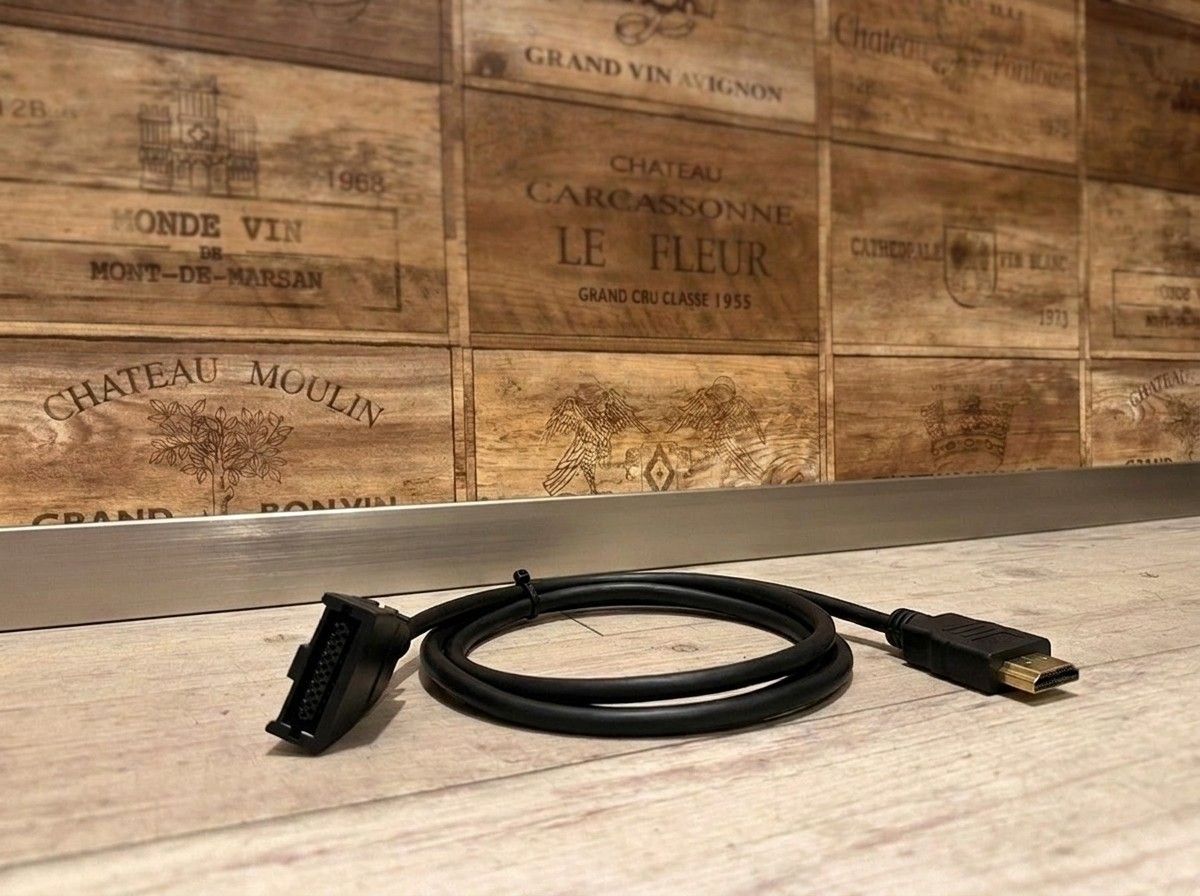
A conversion cable that makes the in-car HDMI viewing experience feel more accessible.
【HDMI Conversion Cable CAB-HD09|For Connecting Video to Car Navigation Systems and In-Car Monitors】
This is a conversion cable for people who want to display video from HDMI-compatible devices on a car navigation system or in-car monitor. It supports connection between HDMI Type-E and Type-A, and can be used to connect smartphones, streaming devices, Blu-ray players, and more to your in-car system.
The cable length is approximately 1.5 m, making it easier to choose where to place your device in the car and also easier to route the wiring from around the navigation unit to inside the console. If you want to enjoy videos and video content in the car, it helps you organize the connections neatly.
However, even with in-car equipment that has an HDMI port, what you can connect may vary depending on the device’s input/output specifications and compatibility status. Don’t rely on the cable alone—it's safer to check your current car navigation system or monitor, as well as the device you want to connect, before choosing.
At LOGON, we confirm the connection method and cable routing together while looking at your actual in-car setup and intended use. If you’re going to enjoy video, we want to make it a comfortable, practical fit—including how easy it is to use after installation and how it looks.
Main Specifications
【Basic Information】
Product name: HDMI Conversion Cable CAB-HD09
Type: HDMI Conversion Cable
Manufacturer: Cable
【Connection】
Supported connectors: HDMI Type-E ⇔ HDMI Type-A
【Cable】
Cable length: Approx. 1.5 m
【Examples of Compatible Devices】
Smartphone
Streaming device
Blu-ray player
Other HDMI-compatible devices
※ Compatibility may vary depending on the device you connect and the specifications of your car navigation system or in-car monitor.
| Connector Type | HDMI Type E (male) to Type A (male) conversion cable |
| HDMI Standard | Supports HDMI 2.0 |
| Cable Length | Approx. 1.5 m (fixed length; MAXWIN's related CAB-HD10 offers 15cm/50cm/1.5m options) |
| Material | PVC |
| Color | Black |
| Compatible Models | Compatible with genuine Toyota, Honda, Nissan, and Daihatsu navigation units (NSZT/NSZN, VXM/VXU, MM5 series, etc.) |