7-inch display audio DMX5523S + installation kit for Land Cruiser 70
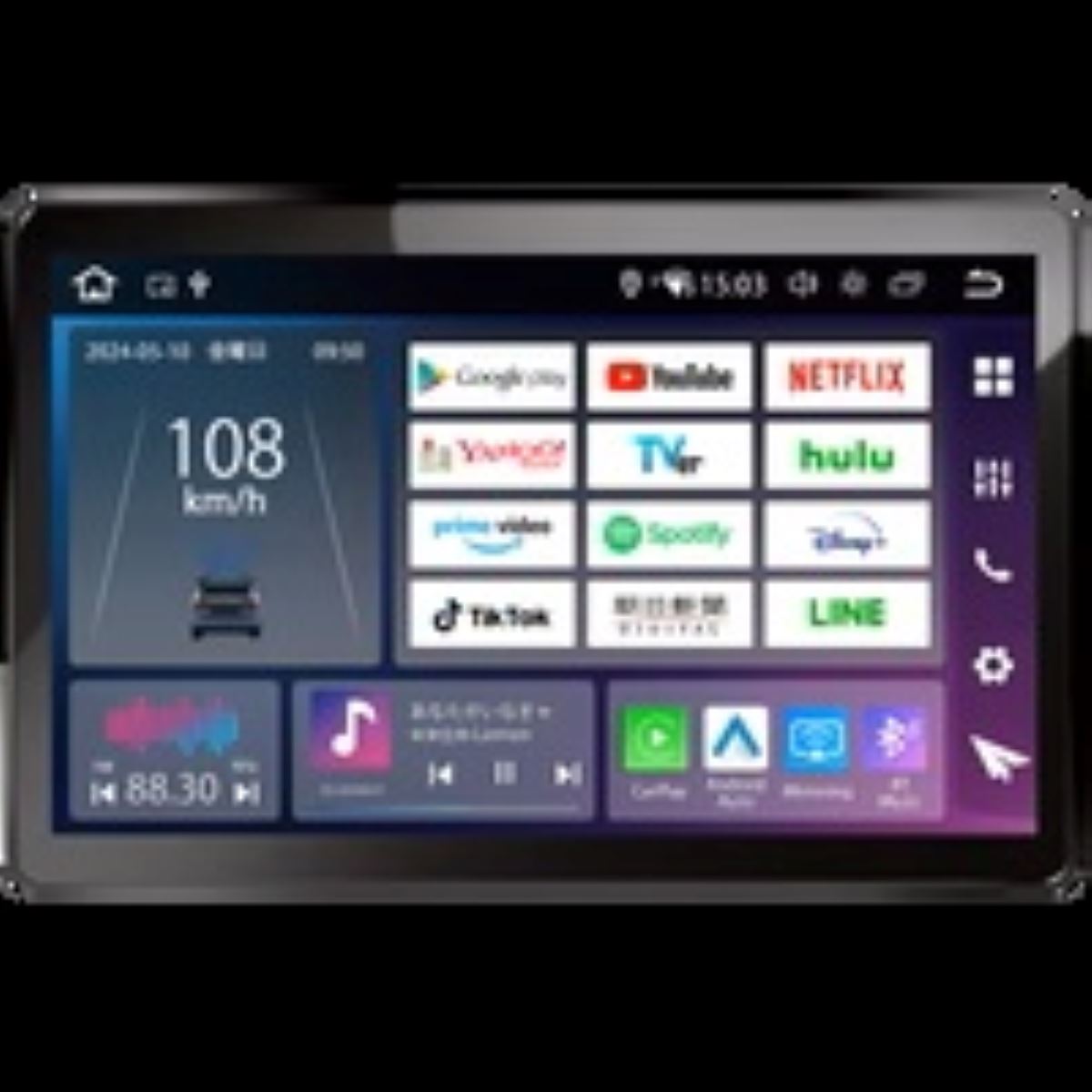
Stay connected to your smartphone and make your everyday drive even freer.
【7-inch Display Audio DMX5523S + Mounting Kit for Land Cruiser 70】
This 7-inch display audio is designed for those who want to add an easy-to-use navigation setup centered around smartphone integration to their Land Cruiser 70.
Because it supports Apple CarPlay and Android Auto, once you connect your everyday smartphone, you can control map navigation, music playback, message sending, calls, and more directly from the in-car screen. It supports not only wired connection but also wireless connection, so you can reduce the hassle of having to plug in a cable every time you get in the vehicle.
It also supports Siri and the Google Assistant, and using voice control can help limit the need to touch the screen in detail while driving. For anyone who wants to use smartphone navigation and music on the Land Cruiser 70 in a more natural way, this model can be a great reason to consider switching from the OEM audio.
However, with a display audio system, usability changes not only based on choosing the main unit, but also on how it is connected to the vehicle and the quality of the installation finish. It’s important to use the mounting kit for the Land Cruiser 70 and have the work carried out in a reasonable manner while checking the vehicle specifications and your current equipment.
At LOGON, after asking how you plan to use your smartphone, whether navigation is necessary, and how you want to enjoy music, we organize the required setup together. If you’re going to install it on your Land Cruiser 70, you’ll want to choose it by considering not only the look, but also how easy it will be to operate afterward.
Main Specifications
【Basic Information】
Product name: 7-inch Display Audio DMX5523S + Mounting Kit for Land Cruiser 70
Type: Display audio
Mounting format: 2DIN
Screen size: 7 inches
【Smartphone Integration】
Apple CarPlay: Supported
Android Auto: Supported
Connection method: Wired / Wireless
【Main Features】
Map navigation
Music playback
Message sending
Hands-free calling
Siri / Google Assistant support