HVXT01
Make your usual drive—more decisive, and more comfortable.
【HVXT01 HDMI Input-Compatible Navigation for Alphard / Vellfire】
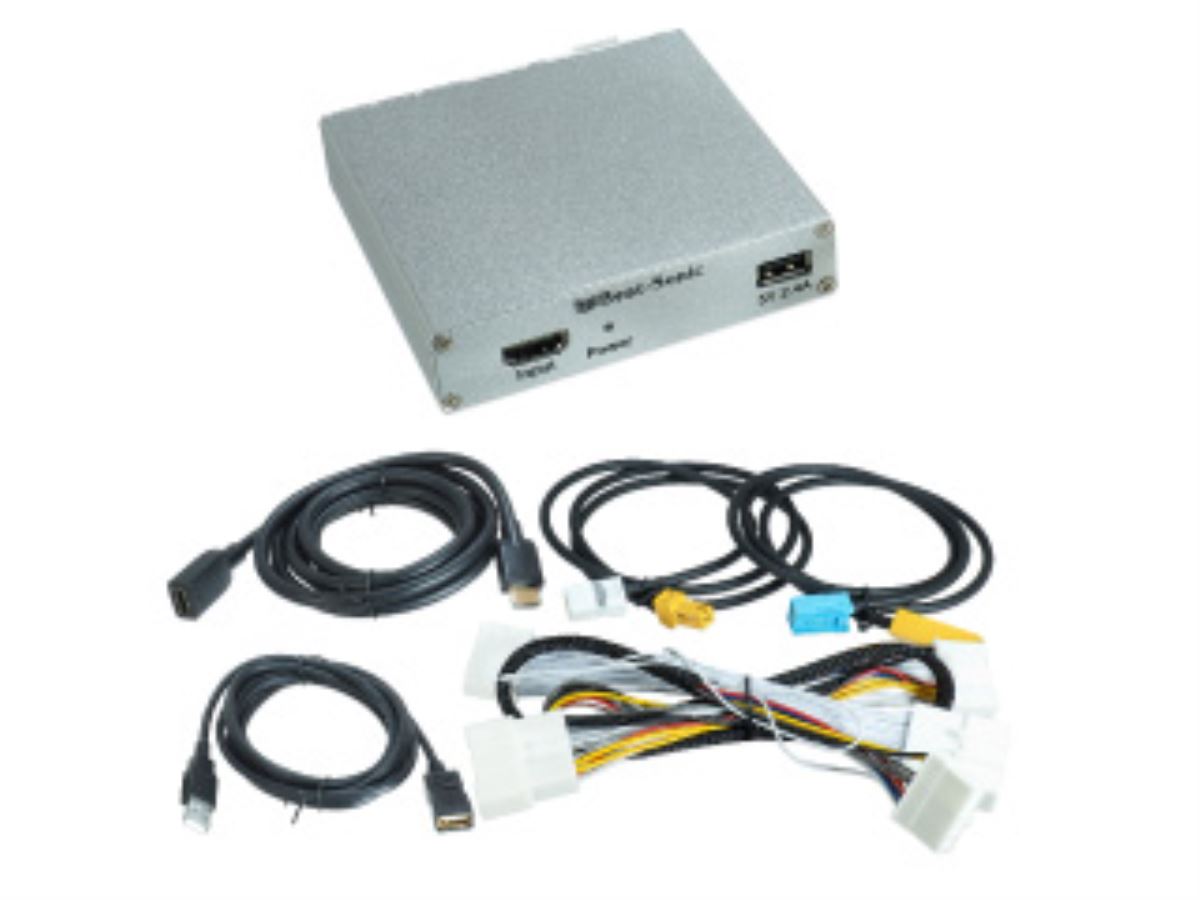
HVXT01 is designed for those who want to connect a smartphone or digital video device to an SD navigation system with a manufacturer option. Even with the OEM navigation—where it was previously difficult to input video and audio—by using the HDMI input, you can enjoy video and audio through the OEM monitor and OEM speakers.
i f you connect devices such as an iPhone or Fire TV Stick, you can enjoy video content in the car, including YouTube. It expands how you can use the system in ways that the OEM navigation alone couldn’t, such as on long drives, during breaks, or during travel time with children.
Although it supports viewing while the vehicle is in motion, the driver cannot look at the screen while driving. For safety, please use it as a feature intended for passengers.
For the Alphard and Vellfire, the specifications of the OEM navigation may vary depending on grade and model year. Even for the same vehicle model, compatibility confirmation may be required, so we provide guidance after checking your vehicle information. Let’s organize everything together in a way that suits how you plan to use it, including how to choose HDMI devices and how to connect them.
Main Specifications / Specs
【Basic Information】
Product name: HVXT01
Type: Navigation-related equipment compatible with HDMI input
Input method: HDMI
【Compatible Devices】
iPhone
Fire TV Stick
Other digital video devices with HDMI output support
【Compatible Vehicles】
Alphard (including hybrid)
Compatible model codes: AYH30W/AGH30W/AGH35W/GGH30W/GGH35W
Compatible model years: From January 2020 (Reiwa 2) onward
Vellfire (including hybrid)
Compatible model codes: AYH30W/AGH30W/AGH35W/GGH30W/GGH35W
Compatible model years: From January 2020 (Reiwa 2) onward
Depending on the specifications of the OEM navigation and the condition of the vehicle, confirmation may be required.