HDMI Video Input Kit HDK04
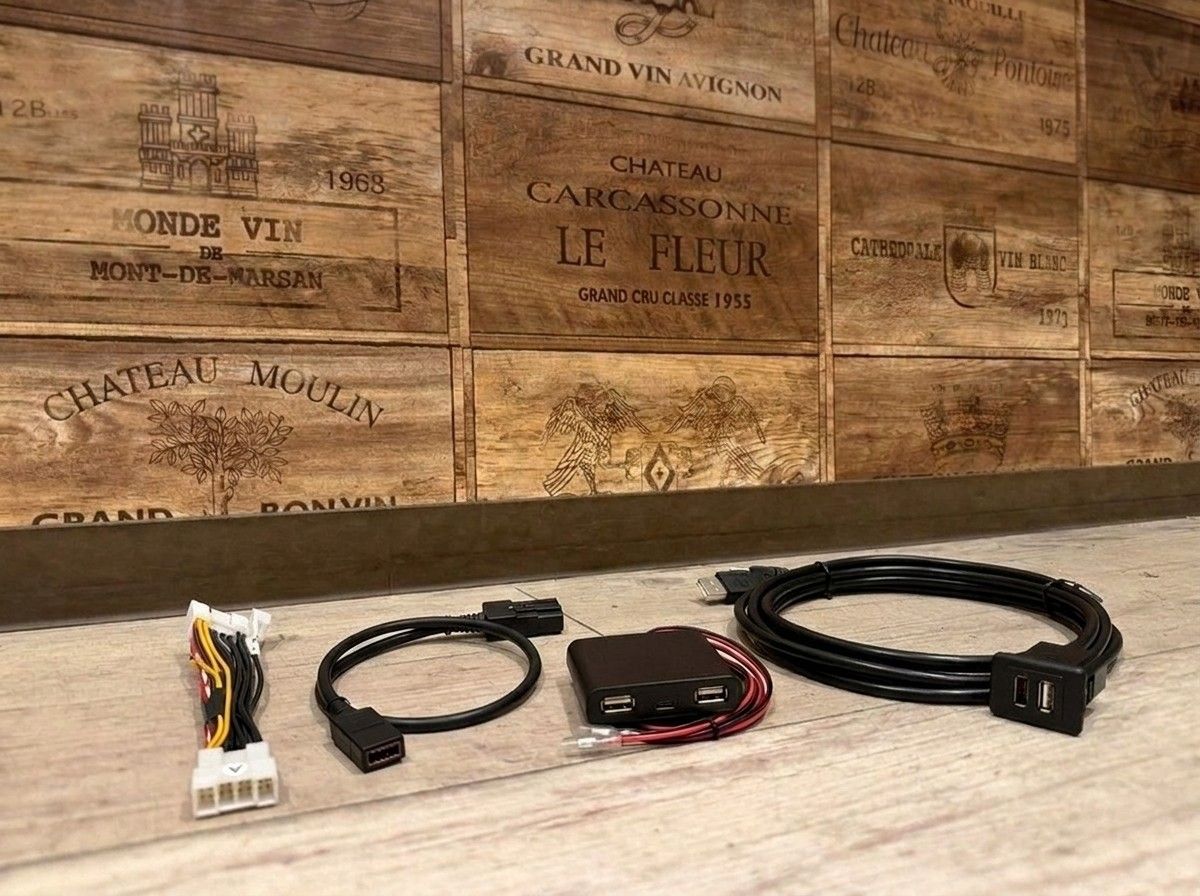
With the genuine monitor, make smartphone and Fire TV content feel even more within reach.
【HDMI Video Input Kit HDK04 for the 40 Series Alphard X Grade】
This is Beat-Sonic’s HDMI Video Input Kit HDK04, designed for those who want to enjoy video from a smartphone or media player on the factory display audio of the 40 series Alphard X grade.
By combining devices such as smartphones, Fire TV Stick, or media players that support HDMI connection, you can display video on the factory monitor. It also supports iPhone and iPad mirroring, making it ideal for long-distance drives or when traveling with family—so those in the rear seats can enjoy videos.
Another great feature of this kit is that you can add video input functionality without replacing the factory display audio. It’s finished to blend naturally and without significantly changing the feel inside the cabin.
However, with HDMI devices, usability varies depending on the connection method, how power is supplied, and the cables used. Since the cables and conversion adapters required for mirroring are also needed separately, it’s recommended to check the compatibility with your smartphone and playback device before purchasing.
At LOGON, we confirm your vehicle specifications and the devices you plan to bring, and guide you with an installation method that’s as easy to use as possible and less likely to cause problems later. Let’s think together about how to use it—assuming you’ll watch/play videos only when the vehicle is safely parked (not while driving) and for use by passengers.
Main Specifications
【Basic Information】
Product name: HDMI Video Input Kit HDK04
Brand: Beat-Sonic
Type: Video input kit for factory display audio
【Compatible Vehicles】
Vehicle: Toyota 40 series Alphard
Grade: X grade
【Video Input】
HDMI input: Available
Compatible devices: Smartphones, Fire TV Stick, media players, etc.
Mirroring: Supports iPhone / iPad
【Installation / Usage Notes】
Display HDMI video on the factory monitor
Mirroring cables / conversion adapters: Required separately
※ Depending on the vehicle specifications and connected devices, the required cables and adapters may differ.
| [Compatibility] | Alphard R07/01- |