HDMI cable HDC13
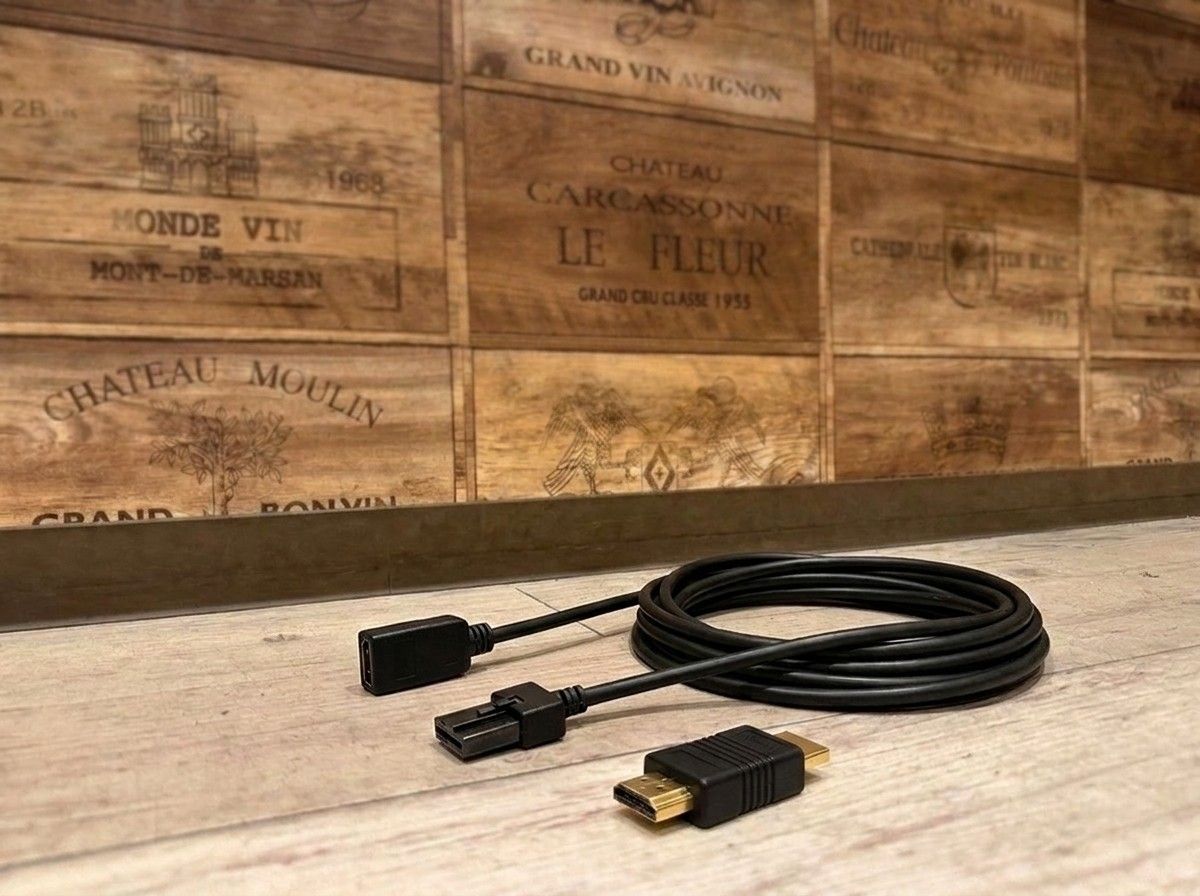
Connect your factory navigation system and HDMI devices neatly for more freedom in in-car entertainment.
【HDC13 HDMI Cable|Connect a Smartphone or Fire TV Stick to the OEM Navigation System】
This is the “HDC13” HDMI Type E to Type A conversion cable, for those who want to enjoy smartphone video, Fire TV Stick, and more with an OEM navigation system or display audio.
Compatible with OEM navigation systems and dealer-option navigation from Toyota, Nissan, Honda, Mitsubishi, and others. By combining it with compatible devices, you can display video from HDMI-output devices such as HDMI-capable smartphones and media players on the OEM monitor. It’s also used for connections with Toyota Display Audio and the Mitsubishi DIATONE SOUND NAVI series.
The cable length is 2.0 m. It’s easy to route not only around the navigation unit, but also when you want to place the device from the front seats to the rear-seat area. Since video and audio can be transmitted together via HDMI, you can neatly organize the setup for watching videos and listening to music in your car.
However, OEM navigation systems may differ in whether they have an HDMI input and how to connect, even for the same vehicle model depending on the model year and navigation specifications. Before choosing the HDC13, it’s best to check not only the vehicle model, but also the specifications of the navigation system currently installed.
At LOGON, we don’t just confirm compatibility for the cable itself—we also consider, based on your vehicle, where you want to use your smartphone or Fire TV Stick, where you plan to place the device, and how to organize the wiring. If you’re going to make it possible to enjoy video, we want to deliver a solution that’s practical and won’t be a hassle, including how it looks and how easy it is to use.
Even if you’re unsure, such as “I don’t know if it will work with my navigation system” or “I’m concerned about the wiring after connecting,” you can sort it out together while checking details like your vehicle model, model year, and the navigation unit’s model number. This is an HDMI cable recommended for anyone who wants to broaden how they enjoy their car by making the most of the OEM monitor.
Main Specifications & Specs
【Basic Information】
Product name: HDC13
Type: HDMI Type E to Type A conversion cable
Cable length: 2.0 m
【Compatible Devices / Use】
Compatible navigation systems: OEM navigation systems from Toyota, Nissan, Honda, Mitsubishi, etc., and dealer-option navigation systems
Examples: Toyota Display Audio, Mitsubishi DIATONE SOUND NAVI series
Connecting devices: HDMI output devices such as smartphones, Fire TV Stick, and media players
Depending on the navigation unit’s model year and specifications, additional confirmation may be required.
| Cable type | HDMI conversion cable (Type E to Type A) |
| Connector type | HDMI Type A (female) to Type E (male) connectors, gold-plated |
| HDMI standard supported | Complies with HDMI Ver.1.4 (HEC-compatible); supports Full HD (1920x1080) output |
| Compatible head units | Toyota Display Audio, Toyota/Nissan/Honda dealer-option navigation units, Mitsubishi DIATONE SOUND NAVI, and other head units with a Type E HDMI input |
| Cable length | 2.0 m (HDC13 is a fixed 2.0 m length model) |