Q & A
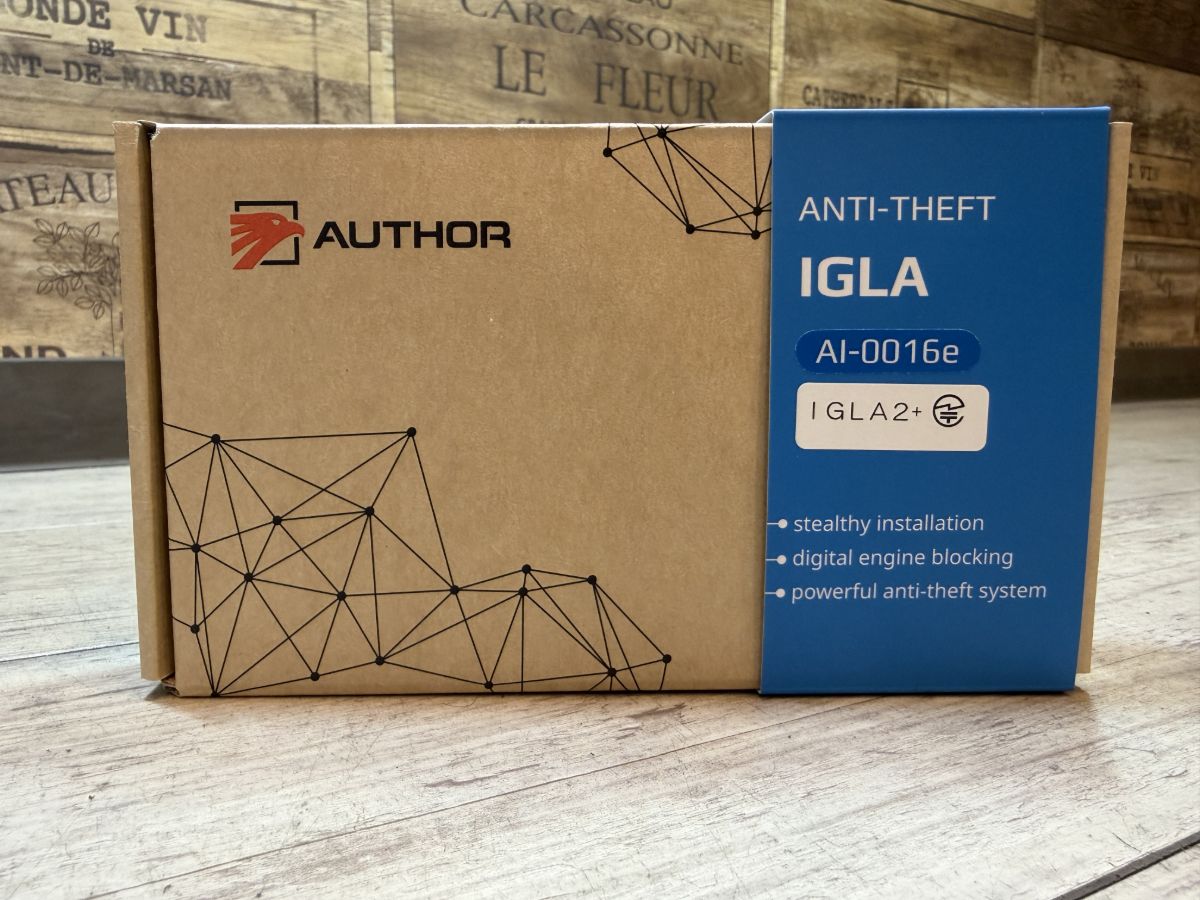
I can't log in to the dedicated app (A.connect, Compass, etc.) / it shows offline / I'm getting notifications—what should I do?
Improvements are often seen after re-logging into the app or resetting the connection status. Messages such as “Session expired,” or an offline status, may occur due to temporary updates to communication and authentication. Please try restarting the app and signing in again. If the issue still does not improve, contact us with the message and a screenshot of what you see. After checking the situation, we will guide you on reviewing your settings and performing an inspection.
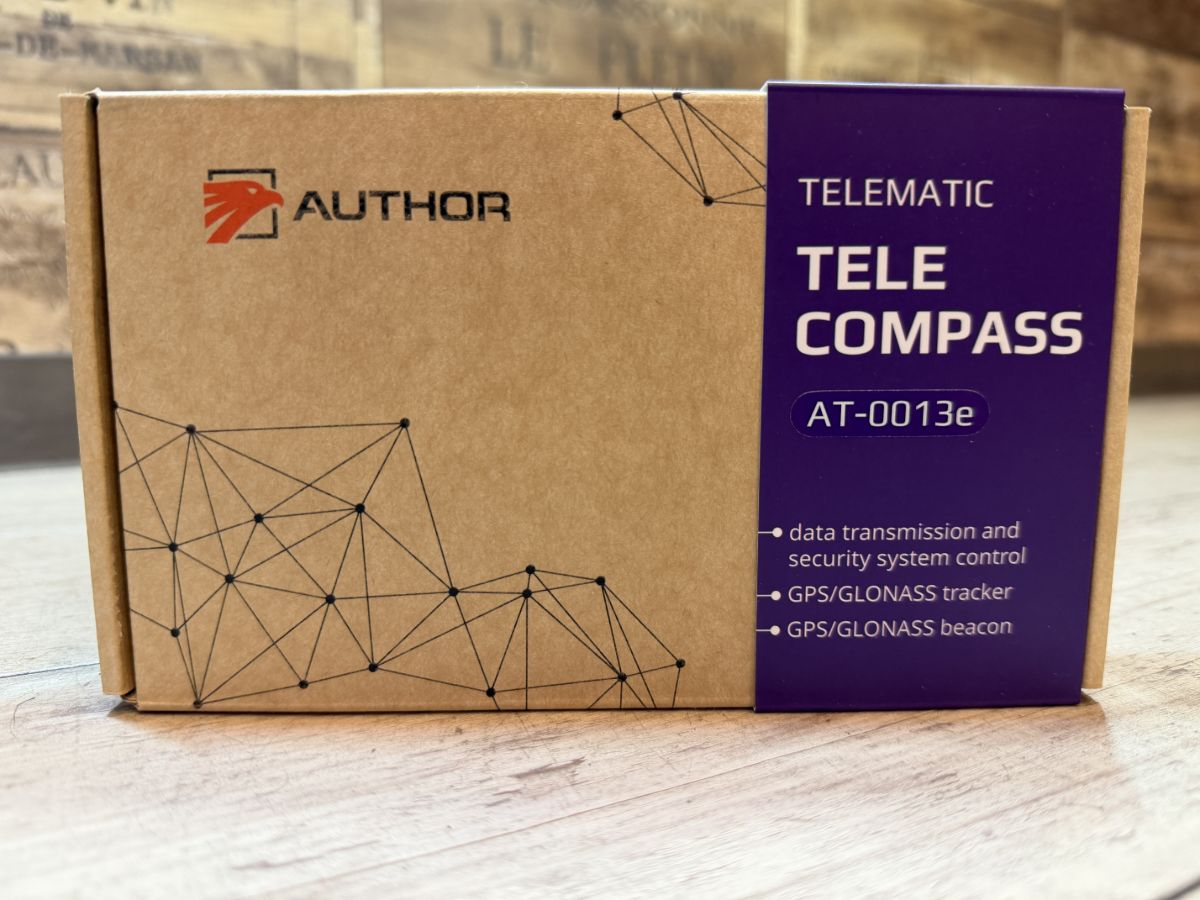
If the COMPASS unit does not return from the offline display, a wiring inspection may be required. Please be sure to consult the store where the unit was installed (our store) for this check and restoration work. Please do not touch the wiring yourself or remove any equipment. Once we inspect it at our store, we can determine whether it can be restored within a few minutes. If it has not been restored within 5 minutes, we will guide you regarding an equipment replacement.
If you are changing or upgrading your smartphone, you may need to re-log into the dedicated app (A.connect, Compass, etc.) and reconfigure it on the new device. Before changing your device, please confirm your current login information and write it down.
Please note that Author ID (the smartphone authentication app) generally does not require a login. Once the app is installed on your smartphone and paired (registered) with your car via Bluetooth, you can use it at any time. For instructions on pairing, please refer to the manual we gave you. If you are unsure about the steps or if the transfer does not go smoothly, our staff will support you with the setup when you visit, so please feel free to contact us.